Overview
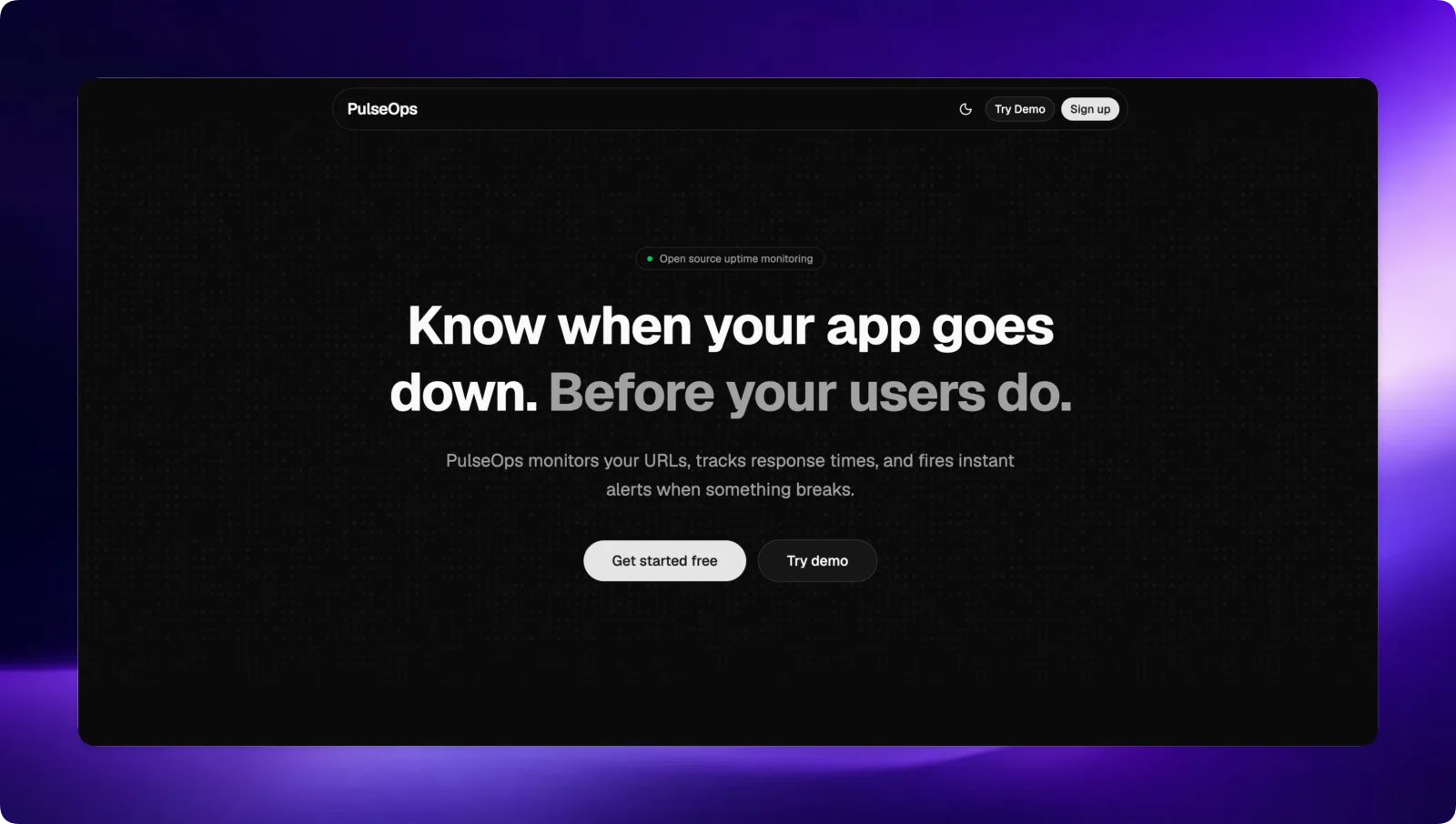
PulseOps is an uptime monitoring platform. You add your site, it pings it on a schedule, stores the response history, and sends you an email when the site goes down. You also get a dashboard with uptime and response time graphs, team members with roles, and a public status page you can share.
When I first got the idea I thought it would be easy. Send a request, check the status code, done. I was a bit wrong :) Building it properly was a real challenge and that is what made it fun.
Try it at pulseops.rusil.me or read the code on GitHub.
Key Features
- Scheduled health checks for every monitor, each with its own interval
- Full check history with response times, shown as graphs
- Email alerts when a site goes down, and again when it recovers
- Teams with roles like Admin and Member
- Public status pages anyone can open
How It Works
- User signs up and adds a site from the dashboard
- The backend loads every monitor and starts a timer for each one
- On each tick it pings the site and saves the result to Postgres
- If the status changed since the last check, it sends an email
- The frontend reads the history and draws the graphs
Tech Stack
- Backend: Node.js, Express, Drizzle ORM, PostgreSQL, JWT auth
- Frontend: React, Vite, Tailwind CSS, shadcn/ui, Axios
pulseops/
├── backend/
│   ├── drizzle/
│   └── src/
│       ├── controllers/
│       ├── db/
│       ├── lib/
│       ├── middleware/
│       ├── routes/
│       └── services/
└── frontend/
    └── src/
        ├── components/
        ├── context/
        ├── hooks/
        └── pages/
The Health Check
The heart of the app is one function, performHealthCheck. It sends a request, measures how long it took, and decides if the site is up or down.
export async function performHealthCheck(monitor) {
  const startTime = Date.now()
  let status = "down"
  let responseTime = null

  try {
    const controller = new AbortController()
    const timeout = setTimeout(() => controller.abort(), 10_000)
    const res = await fetch(monitor.url, {
      signal: controller.signal,
      redirect: "follow",
    })
    clearTimeout(timeout)

    responseTime = Date.now() - startTime
    status = res.ok ? "up" : "down"
  } catch (error) {
    responseTime = Date.now() - startTime
  }

  // ...save the check and maybe send an alert
}
A few things I learned writing this:
- Always set a timeout. Without the
AbortController, a site that never responds would leave the request hanging forever. Ten seconds and it counts as down. - Follow redirects. Lots of sites redirect
httptohttpsor towww. Withoutredirect: "follow"they would show up as broken. - Some sites block requests that don't look like a browser. I learned you sometimes need to send headers like a browser
User-Agentor the site rejects you, even though it is actually up.
Only Alert When Something Changes
My first idea was "if the site is down, send an email". That would mean an email every minute for as long as the site is down, which is the fastest way to make someone mute your app.
Instead, before saving the new check, I fetch the previous one and only alert when the status flips:
const [prev] = await db.select().from(monitorChecks)
  .where(eq(monitorChecks.monitorId, monitor.id))
  .orderBy(desc(monitorChecks.checkedAt))
  .limit(1)

await db.insert(monitorChecks).values({ monitorId: monitor.id, status, responseTime })

if (monitor.notificationsEnabled && prev) {
  if (prev.status === "up" && status === "down") {
    await sendDownAlert(owner.email, monitor.name, monitor.url)
  } else if (prev.status === "down" && status === "up") {
    await sendRecoveryAlert(owner.email, monitor.name, monitor.url)
  }
}
So you get one "your site is down" email, and one "it's back" email. Nothing in between.
The Scheduler
Every monitor can have a different interval, so there is no single cron job. When the server starts, it loads all monitors and gives each one its own setInterval. The timers are kept in a Map keyed by monitor id, so when monitors change, the scheduler can clear all the old timers and start fresh.
const activeTimers = new Map()

export async function startSchedular() {
  activeTimers.forEach((timer) => clearInterval(timer))
  activeTimers.clear()

  const activeMonitors = await db.select().from(monitors)

  for (const monitor of activeMonitors) {
    performHealthCheck(monitor)

    const timer = setInterval(() => {
      performHealthCheck(monitor)
    }, monitor.interval * 1000)
    activeTimers.set(monitor.id, timer)
  }
}
This works well for a small number of monitors on one server. If PulseOps ever had thousands of sites I would move checks into a proper job queue with workers, but for now it is simple and easy to reason about.
Drawing the Data
Every check is a row in Postgres with a status, response time and timestamp. The frontend asks the backend for a monitor's history and plots it, so you can see response time going up before a site actually falls over. Figuring out how to shape that data for the graphs was a whole lesson on its own.
AI Usage
I want to be honest about this. The backend is all written by me, no AI. On the frontend I used AI to build some pages, help me debug and review code, and I used it to help deploy the app on a VPS. I also used shadcn and Magic UI components for the UI because I am lazy :)
What I Learned
An uptime monitor sounds like "just send a request", but most of the work is in the edges: timeouts, redirects, sites that block bots, and not spamming people with alerts. Building PulseOps taught me to think about what happens when things go wrong, which is kind of the whole point of a monitoring tool.
Thank you for reading :)